How to Show Current Session Usage in Claude Code Statusline
T
Student developer exploring Next.js, React, React Native & Tailwindcss. Solid in HTML & CSS. Passionate about building web/mobile apps. Always eager to learn🎯!
Search for a command to run...
Student developer exploring Next.js, React, React Native & Tailwindcss. Solid in HTML & CSS. Passionate about building web/mobile apps. Always eager to learn🎯!
No comments yet. Be the first to comment.
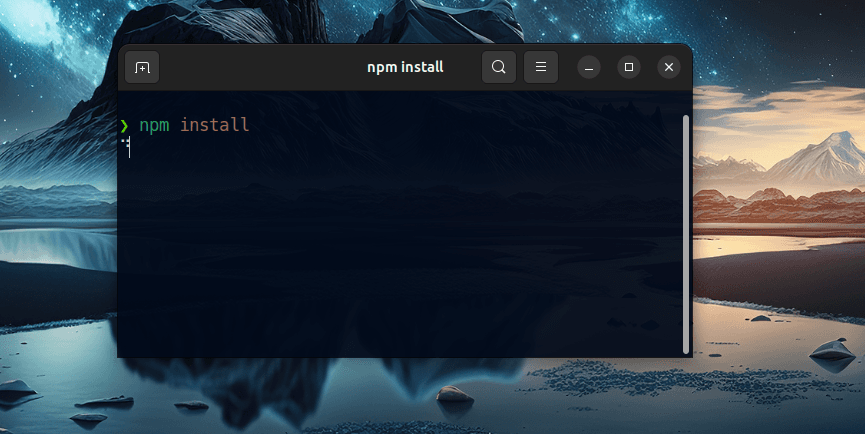
In today’s article, we will be thoroughly exploring the steps to resolve the common issue where npm install hangs or gets stuck. This problem can be quite frustrating for developers, as it interrupts the workflow and delays project progress. There ar...
How to Fix the Too Many Re-Renders Error in Next.js
![Resolving [Next.js] Error: Too Many Re-Renders](/_next/image?url=https%3A%2F%2Fcdn.hashnode.com%2Fres%2Fhashnode%2Fimage%2Fupload%2Fv1731352564929%2Fd337c016-9fda-477f-8d9e-6327de2935b5.png&w=3840&q=75)
As the title suggests, today we will delve into the process of generating an APK file from your React Native code. This guide is designed for those who have created their projects using Expo, and we will use Expo EAS Build(Expo Application Service) t...
![[Expo] Convert Your React Native Code to an Android APK : A Detailed Process](/_next/image?url=https%3A%2F%2Fcdn.hashnode.com%2Fres%2Fhashnode%2Fimage%2Fupload%2Fv1729877794570%2Fb308207e-b464-434d-a46c-7621fb28fecc.jpeg&w=3840&q=75)
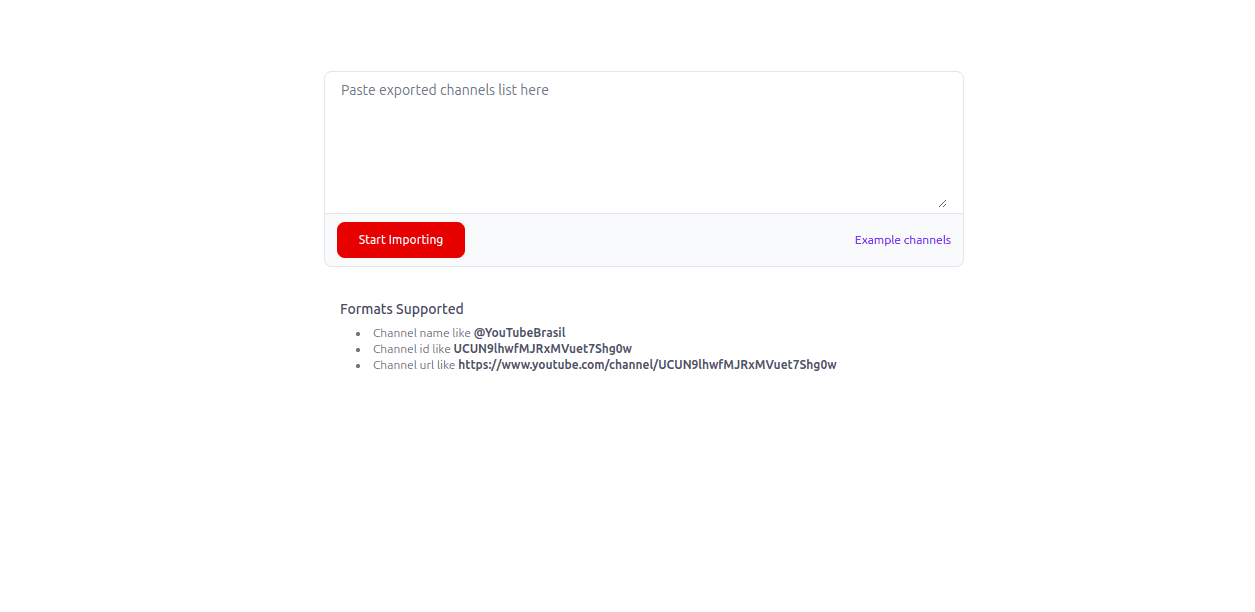
In this article, I will provide a comprehensive guide on how to export your YouTube subscriptions from one account and then import them into another account of your choice. This process involves several steps to ensure that all your favorite channels...
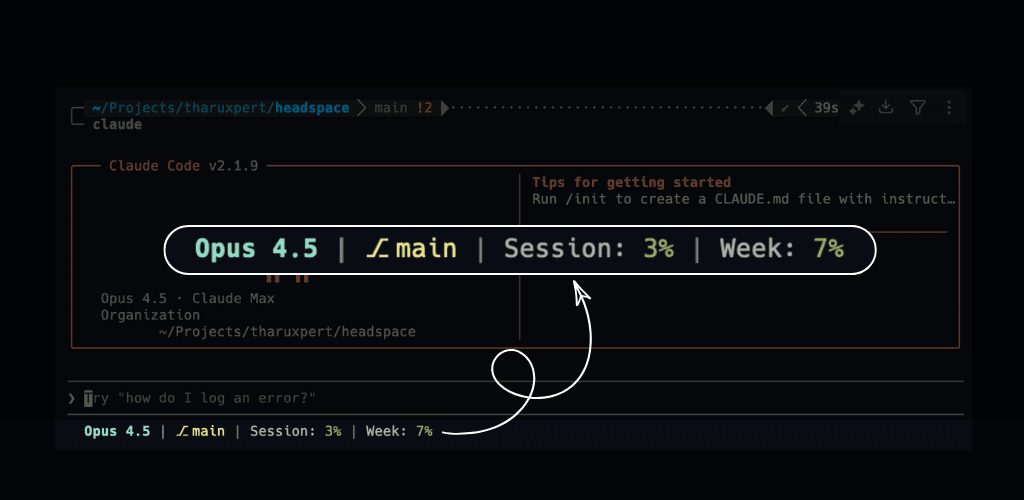
ccstatus that displays actual session usage directly in the Claude Code status line. This enhancement allows users to view their session metrics without needing to manually type "/status", providing a more seamless and efficient experience.Ensure Homebrew is Installed: Before proceeding, make sure you have Homebrew installed on your system. Homebrew is a package manager for macOS that simplifies the installation of software.
Add the Repository: Use the following command to add the tharuxpert/ccstatus repository to Homebrew:
brew tap tharuxpert/ccstatus
Install the ccstatus Tool: Once the repository is added, install the ccstatus tool by running:
brew install ccstatus
Verify Installation: After installation, you can verify that ccstatus is installed correctly by checking its version:
ccstatus version
These steps provide a clear and structured approach to installing the necessary software using Homebrew.
To set up the ccstatus tool, use the following command:
ccstatus install
This command safely updates the ~/.claude/settings.json file to include the status line configuration. Rest assured, no configuration changes will be made without your consent—you will be prompted to approve any modifications before they are applied.
The ccstatus tool in Claude Code offers a seamless and efficient way to keep track of your usage metrics directly within the status line. This continuous monitoring feature means you no longer need to manually type "/status" to check your session and weekly usage. By having real-time visibility of your usage data, you can manage your resources more effectively, avoid unexpected costs, and optimize your workflow. This tool enhances user experience by providing instant access to critical information, allowing for better decision-making and improved efficiency in managing your usage patterns.
If you use Claude Code, I’d love feedback on:
Is the statusline information actually useful?
Is anything confusing during setup (ccstatus install)?
What else would you want to see in the statusline?
👉 Open an issue:
https://github.com/tharuxpert/ccstatus/issues
💬 Feedback & ideas: https://github.com/tharuxpert/ccstatus/discussions