React Hooks ( useState & useEffect )

T
Student developer exploring Next.js, React, React Native & Tailwindcss. Solid in HTML & CSS. Passionate about building web/mobile apps. Always eager to learn🎯!
Search for a command to run...
Student developer exploring Next.js, React, React Native & Tailwindcss. Solid in HTML & CSS. Passionate about building web/mobile apps. Always eager to learn🎯!
Thank you for the feedback! I'm glad to hear that the explanations and examples were helpful to you. I will definitely keep creating content like this in the future. Stay tuned for more valuable information coming your way!
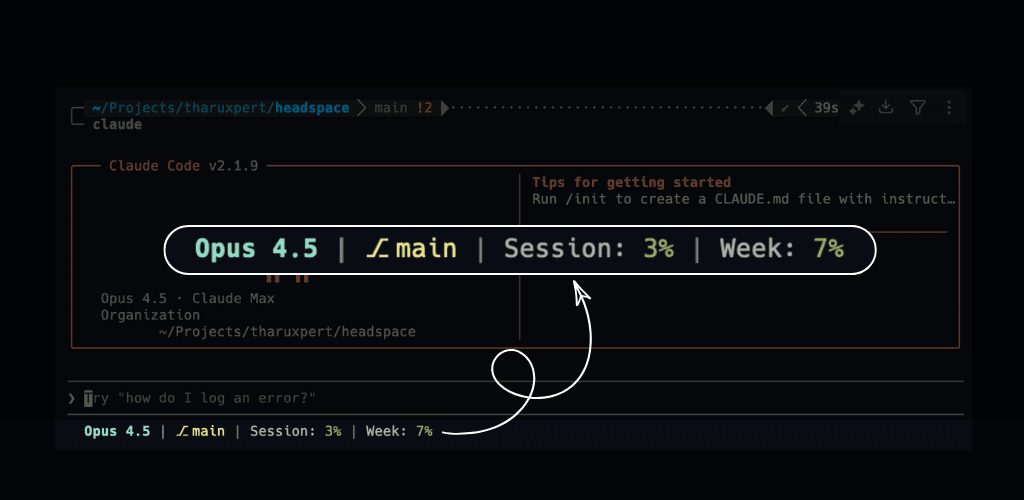
Introduction I developed a CLI tool called ccstatus that displays actual session usage directly in the Claude Code status line. This enhancement allows users to view their session metrics without needing to manually type "/status", providing a more s...
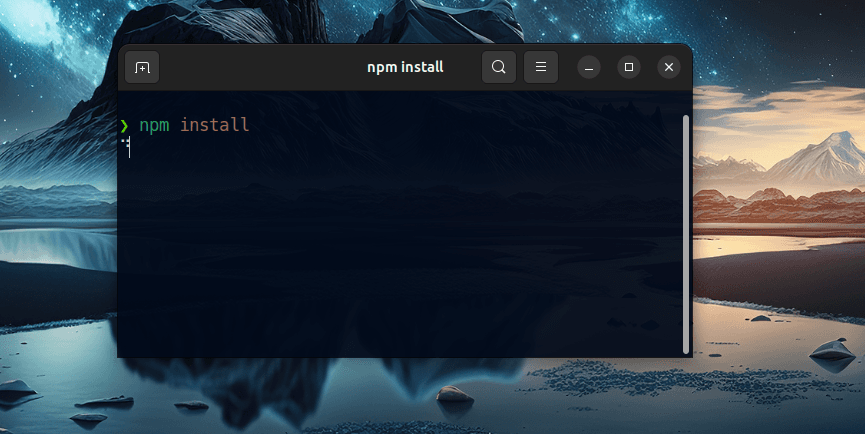
In today’s article, we will be thoroughly exploring the steps to resolve the common issue where npm install hangs or gets stuck. This problem can be quite frustrating for developers, as it interrupts the workflow and delays project progress. There ar...
How to Fix the Too Many Re-Renders Error in Next.js
![Resolving [Next.js] Error: Too Many Re-Renders](/_next/image?url=https%3A%2F%2Fcdn.hashnode.com%2Fres%2Fhashnode%2Fimage%2Fupload%2Fv1731352564929%2Fd337c016-9fda-477f-8d9e-6327de2935b5.png&w=3840&q=75)
As the title suggests, today we will delve into the process of generating an APK file from your React Native code. This guide is designed for those who have created their projects using Expo, and we will use Expo EAS Build(Expo Application Service) t...
![[Expo] Convert Your React Native Code to an Android APK : A Detailed Process](/_next/image?url=https%3A%2F%2Fcdn.hashnode.com%2Fres%2Fhashnode%2Fimage%2Fupload%2Fv1729877794570%2Fb308207e-b464-434d-a46c-7621fb28fecc.jpeg&w=3840&q=75)
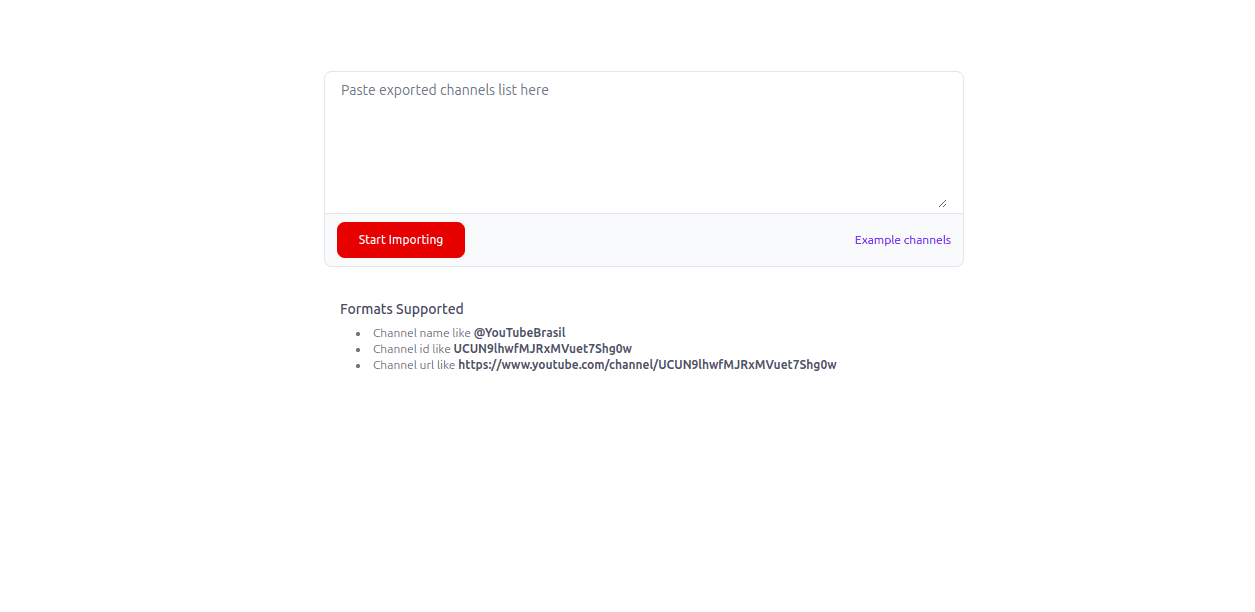
In this article, I will provide a comprehensive guide on how to export your YouTube subscriptions from one account and then import them into another account of your choice. This process involves several steps to ensure that all your favorite channels...
Hooks are functions that let developers "hook into" React state and lifecycle features from function components.These Hook features were introduced in React version 16.8.
👉 Hooks should be called inside a React function
👉 Hooks can only be called at the top level of a component
try/catch/finally blocksTo use the useState Hook in your project you must first import it into your project.
import { useState } from 'react';
Then following the rules mentioned above, call useState at the top level of your component to declare a state variable.
const [state, setState] = useState(intialState);
state -> The first variable is known as the value of the state.
setState -> The second variable is a function used to update the state.
intialState -> The value you want the state to be initially. It can be a value of any type, but there is a special behavior for functions.
Example :-
import React, { useState } from 'react';

function App() {

    const [count, setCount] = useState(0);

return (
    <div>
        <p>You clicked {count} times</p>
        <button onClick={() => setCount(count + 1)}> Click me
        </button>
    </div>
    );
}
According to the above example count and setCount are the two variables of the state Hook, where count is the current value of the state and setCount is used to update the value of the state. Also, the initial value of the state is set to 0. Therefore, whenever the button is clicked, setCount will update the value of the count.
The useEffect hook in React is a useful tool for functional components. It helps manage tasks that aren't directly related to displaying content, like fetching data from the internet, retrieving data from API endpoints, or setting up timers. It can also be used to update components after they've been rendered, making your app more dynamic.
To use the useState Hook in your project you must first import it into your project.
import { useEffect } from 'react';
useEffect accepts two arguments. The second argument is optional. Also the function that we pass as the first argument could be an arrow function.
useEffect(<function>, <dependency>)
Example :-
import { useState, useEffect } from "react";

function Counter() {
  const [count, setCount] = useState(0);
  const [calculation, setCalculation] = useState(0);

  useEffect(() => {
    setCalculation(() => count * 2);
  }, [count]); // <- add the count variable here

  return (
    <>
      <p>Count: {count}</p>
      <button onClick={() => setCount((c) => c + 1)}>+</button>
      <p>Calculation: {calculation}</p>
    </>
  );
}
In the code example above, we already know how the useState Hook works by now! As for the process of the useEffect in the above code, it will run on the first render and also every time the value of count changes.
Thank you for taking the time to read this article. I hope you found the information useful and that it helped you understand how the useState & useEffect hook works in React.
I will look forward to sharing more insights with you in future articles. Happy Coding 😊!!!
https://www.freecodecamp.org/news/how-to-use-the-usestate-and-useeffect-hooks-in-your-project/
https://www.w3schools.com/react/react_useeffect.asp
https://react.dev/reference/react/useState#avoiding-recreating-the-initial-state